
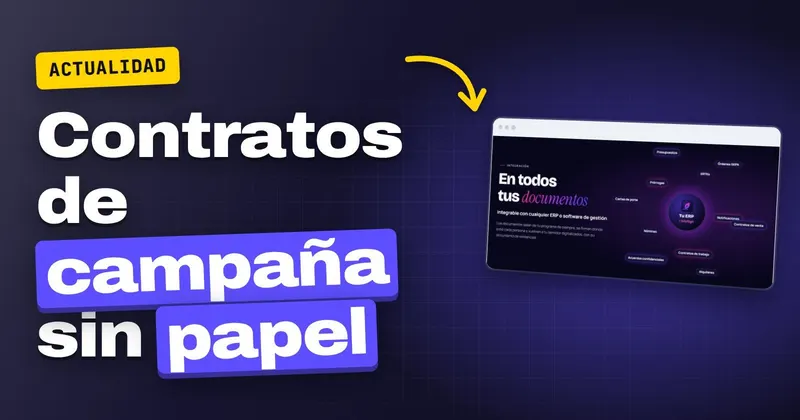
If your company is a Freshuelva member, from January 2027 you will receive workers selected in their home countries, and each one needs a signed contract before entering the farm. An online contract, sent from your management software to each person's mobile or signed on a company tablet on the day they arrive, saves you queues at the office and leaves you with proof of every signature. Below you will find what has been announced, how the 2027 minimum wage (still being processed) fits in, and what it is worth having ready before they arrive.
What Freshuelva has announced for the 2027 season
On 05/11/2026, Agrodigital reported that Freshuelva (the Huelva soft-fruit growers' association) has completed the selection in Honduras and Guatemala of 878 workers for the berry season: 712 from Honduras and 166 from Guatemala. They will join member companies from January 2027. Hiring in the country of origin is governed by the GECCO order (the Spanish framework for recruiting seasonal workers in their home countries).
For anyone managing staff, what matters is the timetable. If you are allocated a share of those 878, you will have everyone's contracts on your desk at once and, later, extensions, addenda and notices, just as harvesting starts and nobody has time to go by the office.
Online contract or tablet signing: how to organise arrivals
With InfoSign there are two routes, and you can use both in the same season depending on the worker.
Bulk sending from your management software
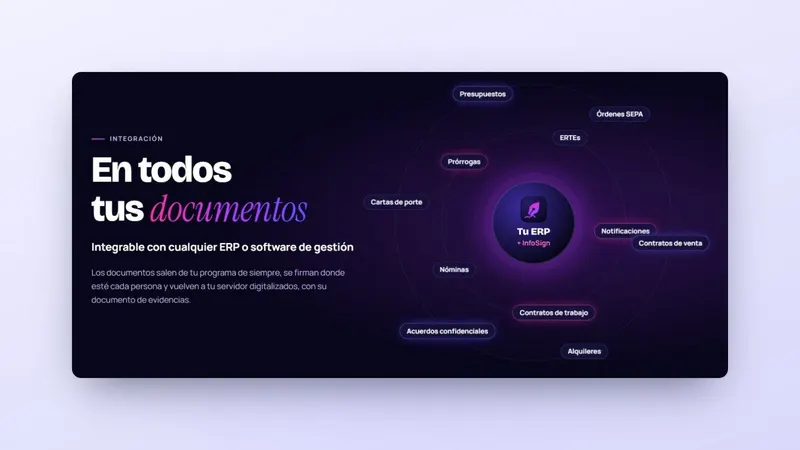
You generate the contracts in your usual software and send them all out for signing in one go. Each worker receives their own contract, with your logo and corporate image, and signs it from their mobile in the browser, with nothing to install. Before signing, they enter a one-time code sent to them by email and, if you enable it, by SMS too.
Signing in person on a company tablet
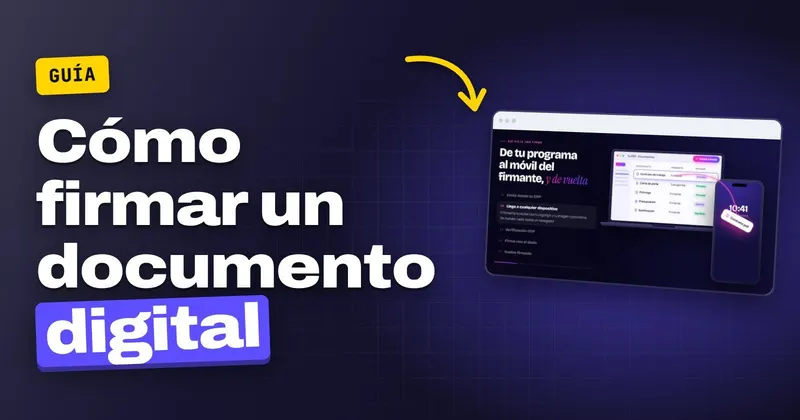
If the worker has only just arrived and does not yet have an email address they check daily, they sign in person on a company tablet, at the office or in the warehouse. The signed contract returns to your server just as with bulk sending. If you would like to see how signing looks on screen, the details are on the mobile e-signature page.
Who still has to sign
Monitoring shows you in real time who has signed and who has not, and InfoSign sends reminders to anyone running late. This works until an email address is wrongly entered on a record: check the contact details before launching the send, because a contract that never arrives cannot be signed.
If in January you will have to close dozens of contracts in a single week, InfoSign sends them in bulk from your management software and returns each one signed, together with its evidence document: tell us how many contracts you sign and which software you use and we will show you with your own documents.
The 2027 minimum wage is still being processed: how it affects your contracts
On 05/11/2026, Infobae reported, citing data from the Ministry of Labour, that the draft royal decree sets the 2027 minimum wage (SMI) at €1,286 a month in 14 payments (€18,004 a year), 5.3% more than the current €1,221. The public consultation was open until 16/11/2026. The text still needs approval from the Council of Ministers and does not have the backing of the trade unions or employers' organisations.
The figure of €1,286 is a proposal and may change. If it is approved, you will have to review salaries from January, and that may mean drawing up addenda or notices for many workers at once, in the middle of the season's arrivals.
This table summarises which documents may coincide in those weeks and how to handle them without paper:
| Document | When | How it is signed or delivered |
|---|---|---|
| Seasonal contract | On arrival, from January 2027 | Bulk sending to mobile or signing on a company tablet |
| Salary addendum | If the 2027 minimum wage is approved | Bulk sending from your management software |
| Notice to the whole workforce | Whenever a change needs to be communicated | Email notification with acknowledgement of receipt |
| Extension | Before the contract ends | Bulk sending, with reminders to anyone who has not signed |
Anything that only needs to be communicated goes out as a certified email with acknowledgement of receipt: it records when it was sent, when it reached the recipient's inbox and when they opened it using their code, with no printing, enveloping or trips to the post office.
How valid is a contract signed online?
Regulation (EU) 910/2014 (eIDAS) states in Article 25.1 that an e-signature shall not be denied legal effect or admissibility as evidence solely because it is in electronic form. Only a qualified signature has an effect equivalent to a handwritten one (Article 25.2). In Spain it is supplemented by Ley 6/2020 (the Spanish law on trust services for electronic transactions), in force since 13/11/2020.
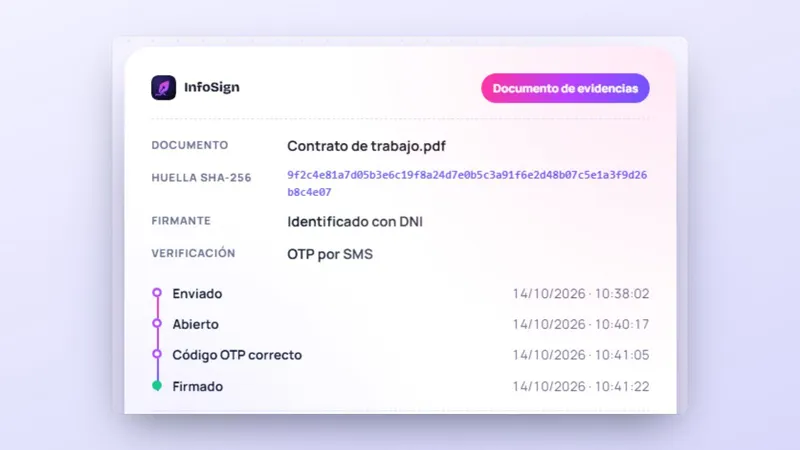
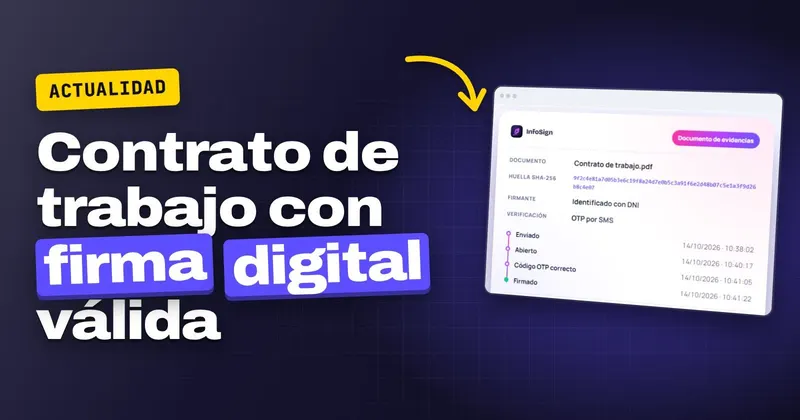
With a non-qualified service, if someone challenges the contract, it has to be proven (Article 326.3 of the Ley de Enjuiciamiento Civil, the Spanish Civil Procedure Act). That is what the evidence document is for: it records the document's fingerprint before and after signing, the date and time of each step, the IP address and device, and how the signatory was identified. Each signed document also carries a qualified timestamp, issued by a provider on the Ministry's trusted list.
If you would like to review what the Estatuto de los Trabajadores (the Spanish Workers' Statute) requires regarding the form of the contract, see how to sign employment contracts remotely, and for what happens if a worker denies their signature, see how an e-signature is proven before a judge.
What to prepare before the seasonal workers arrive
- Check that the record of each selected worker has a correct email address and mobile number, or mark who will sign on the company tablet.
- Have the seasonal contract template and a salary addendum template ready in your management software, in case the 2027 minimum wage is approved.
- Decide the day and place for tablet signing for those who arrive without email, and who in the office will follow the monitoring.
You can try how a worker signs in the "Sign here" box on the InfoSign website, which is just a demonstration. To set it up with your contracts and your integrated e-signature software, request more information, call +34 959 54 07 12 or message us on WhatsApp at +34 621 39 39 47.
 Test agreement